Keep Your Team In Sync
Automatically sync corporate contacts, enforce email signatures, share calendars, and send mass SMS—unified for Microsoft 365 and mobile


Empower Your Organization with CorpSync
Powefull tools to simplify communication and boost team productivity
All unified for Microsoft 365 and mobile devices

- Sync contacts from GAL, CRM, or Database
- Push Contacts to Outlook & Smartphones
- iOS & Android Apps with Caller ID

- Manage & Automate Org-Wide Email Signatures
- Ensure Consistent Branding & Compliance
- Eliminate Manual Updates & Signature Errors

- Sync contacts from GAL, CRM, or Database
- Push Contacts to Outlook & Smartphones
- iOS & Android Apps with Caller ID

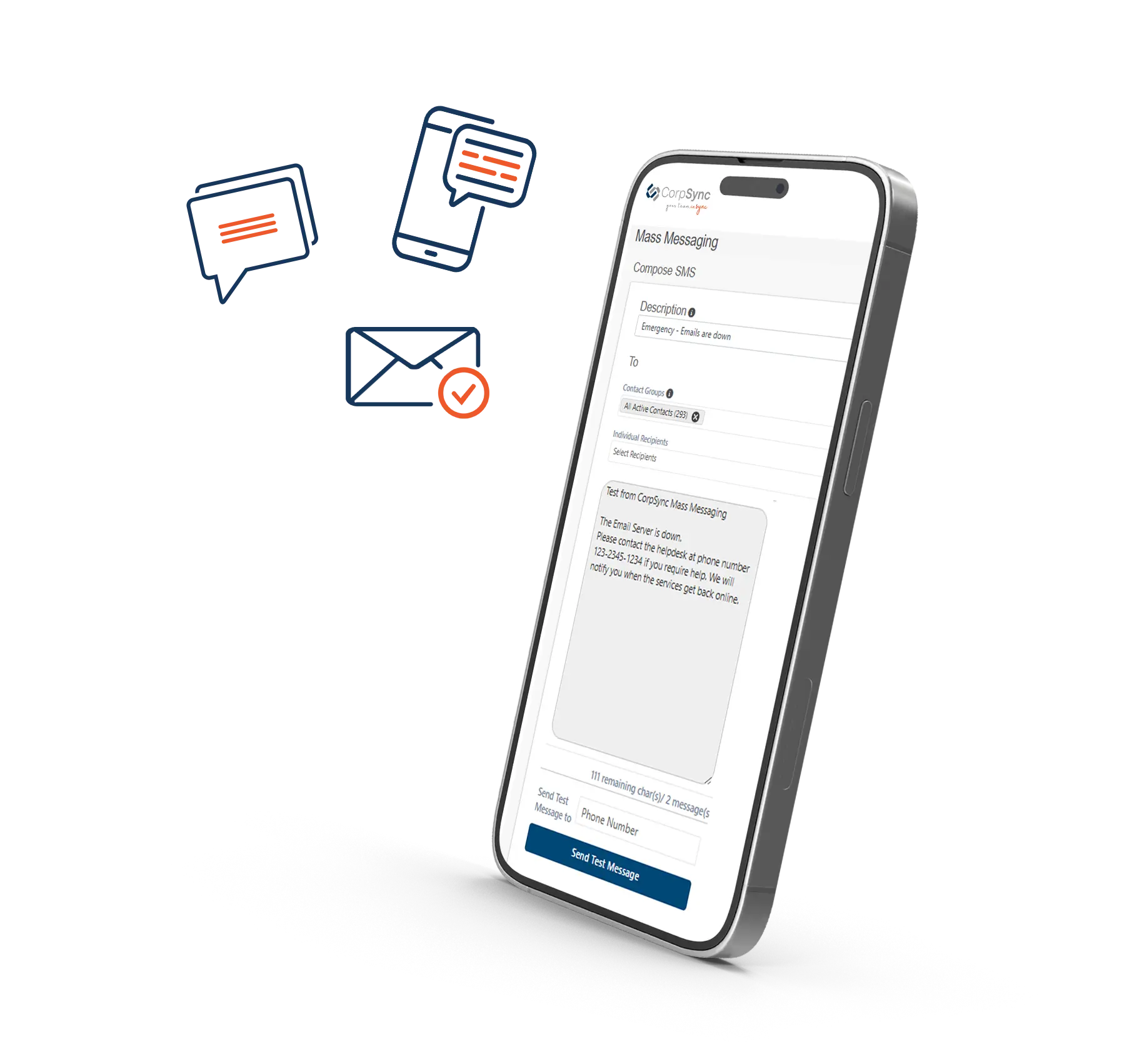
- Emergency Mass SMS Alerts
- Real-Time Updates & Two-Way Communication
- Ensure Team Safety & Response Tracking
100% Risk Free
Not sure if CorpSync is the right solution for your company? Test it out before you commit.

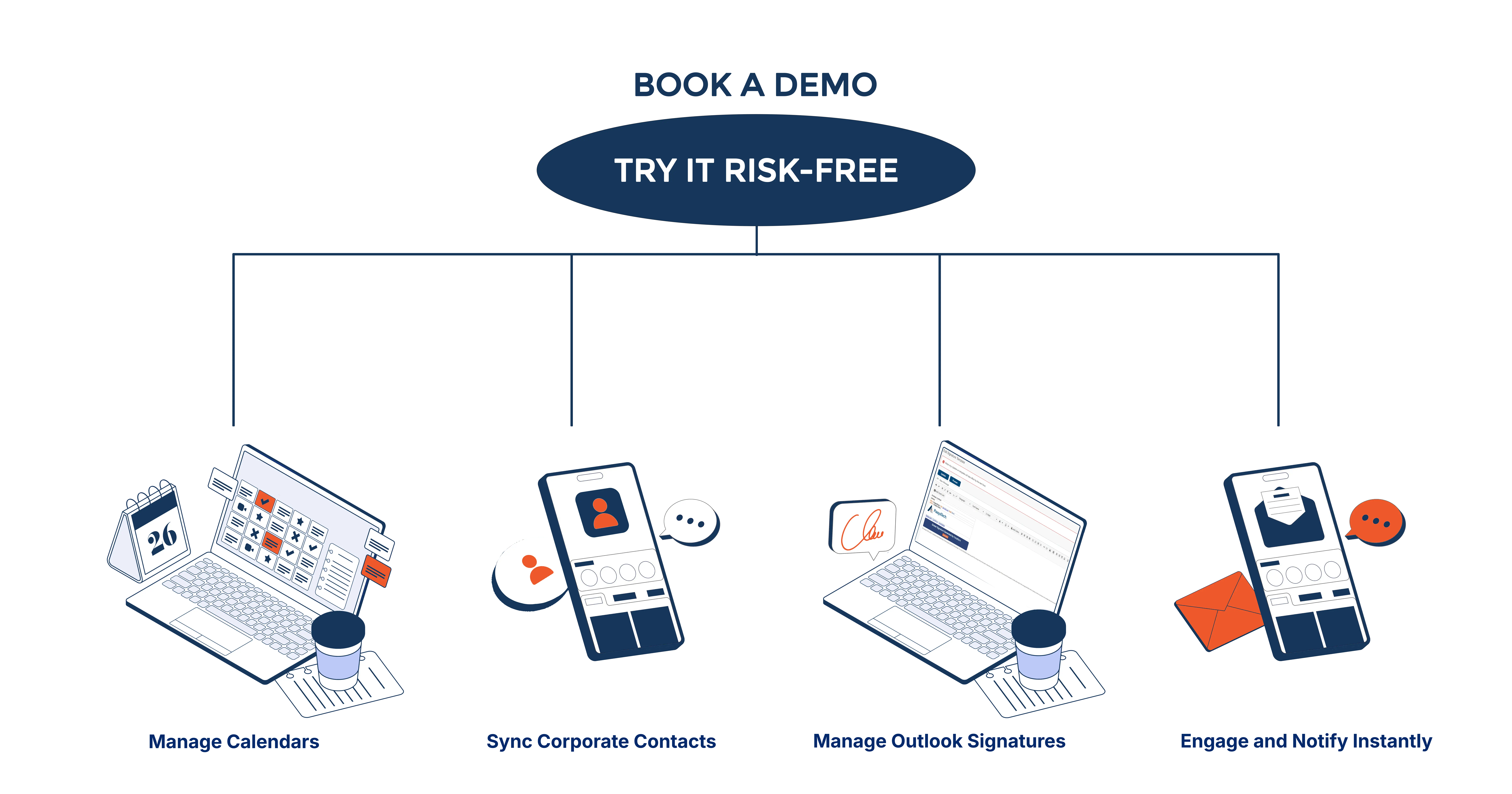
Book a discovery/demo
Schedule a quick session with our team

Get set up in 1 hour
We’ll help you create your account

Try one or all features FREE for 30 days
Explore Contact Sync, Outlook Signature, Shared Calendar, and Mass Messaging

Go live seamlessly
If you’re happy, continue with the same account in production.
No risk, No hassle, Just results
Seamless Workflow for Teams
Streamline your workflow from A to Z or simply use the features you need: Contact Sync, Outlook Signature, Calendar Sync, and SMS
Frequently Asked Questions
Learn how CorpSync keeps contacts, signatures, calendar and mass sms unified
All built for Microsoft 365 and Mobile
Contacts can be added manually by entering them directly or automatically by syncing with your systems like Azure Active Directory, ensuring up-to-date accuracy.
CorpSync reads contact information from Active Directory, Azure, SQL databases, CRMs, HR systems, or any configured data store, then synchronizes them automatically.
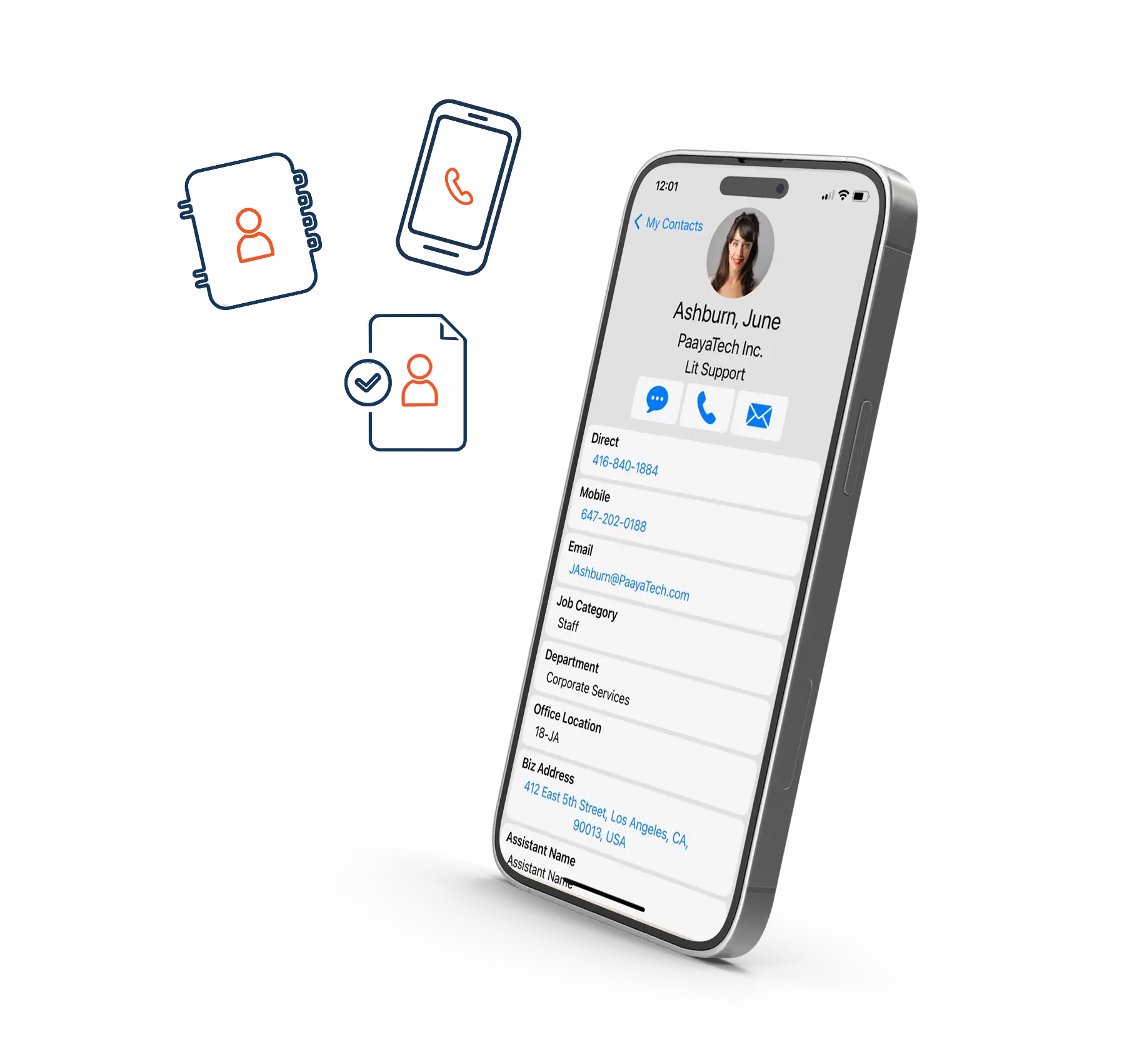
CorpSync uses secure cloud integration to push corporate contacts directly into the native address book on iOS and Android devices.
The CorpSync mobile app keeps corporate contacts in a separate, managed address book so personal contacts remain untouched.
Administrators use the web dashboard to create rules that assign contact lists to user groups (e.g., attorneys, management) for automatic delivery.
It integrates with Exchange 365, Exchange On-Premises, and supports hybrid scenarios to accommodate mixed environments.
The audit log captures all system activities related to push services and the CorpSync loader components for full transparency.
Easy Transition
From syncing contacts to managing communications See how CorpSync streamlines your operations in simple steps
Zero Training
No training necessary for the users. Everything is done on the backend.
Zero Setup
No desktop or program deployment for the users. All is done in the background.
Cloud Hosted
Hosted on Azure cloud with state-of-the-art security and high availability.
Start Strong, Grow Smarter
From syncing contacts to managing communications See how CorpSync streamlines your operations in simple steps
Start For Free
Start For Free, Grow At Your Pace
Start Right Away
Start Right Away
Cancel Any Time
Cansel Any Time
Reliable Support
Reliable Support
Explore Our Core Solutions
ContactSync
Outlook Signature
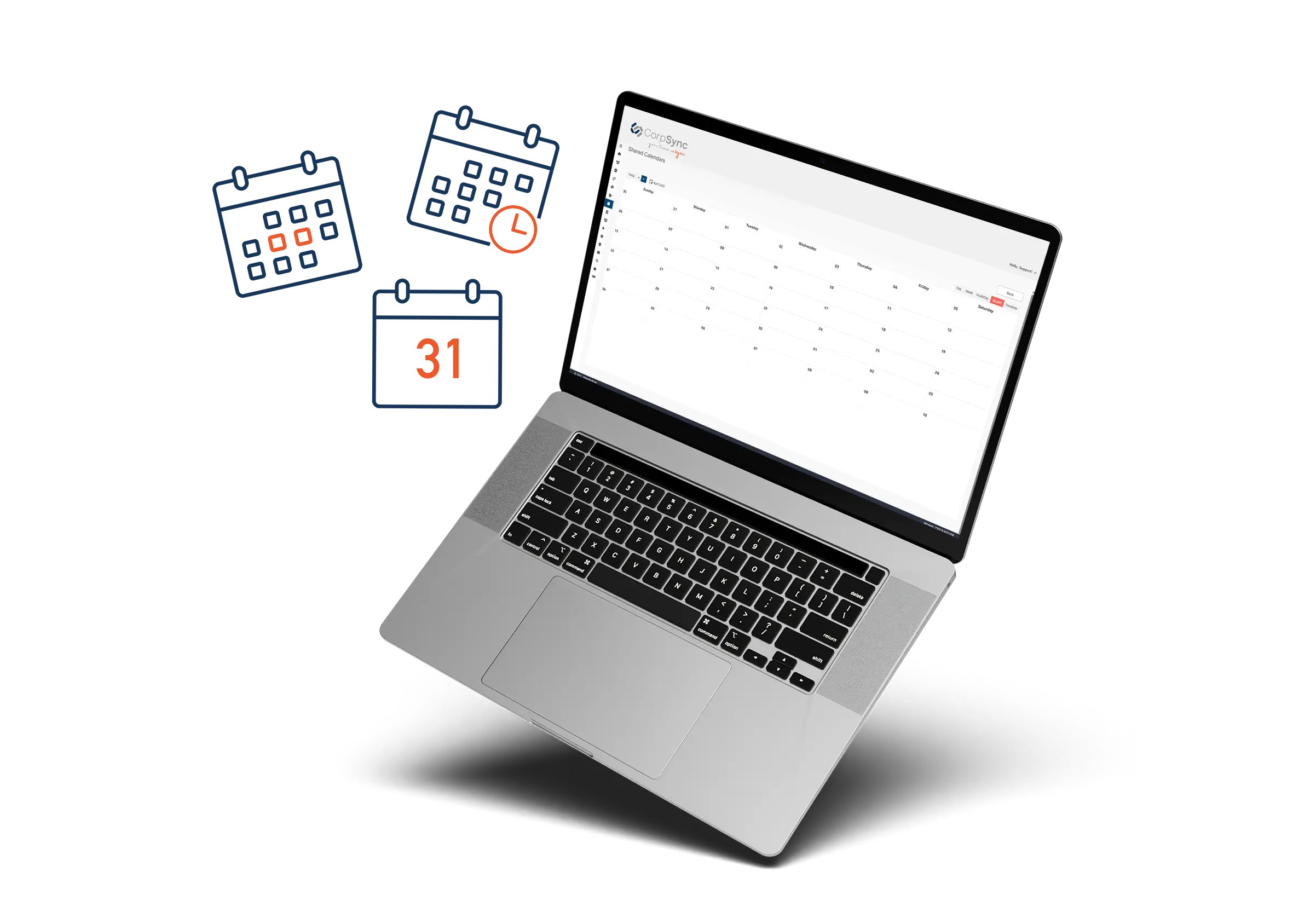
Shared Calendars
Mass SMS

Why Mobile Contact Sync Is a Game-Changer for Construction Teams
In construction, clear and timely communication isn’t just helpful—it’s mission-critical. Whether coordinating deliveries, managing subcontractors, or responding to on-site emergencies,
Watch CorpSync in Action: A Legaltechnology Hub Product Video.
Access Document as PDF. CorpSync is an advanced contact synchronization solution designed to seamlessly integrate and manage corporate contacts across various
5 Effective Ways to Manage Email Signatures for Large Companies
Streamline and Standardize Email Signatures Across Your Organization Did you know that more than 9 billion emails are sent
Why SOC 2 Certification is a Must for Law Firms?
Learn why SOC 2 compliance is essential for law firms in 2024 to ensure data security, client trust, and compliance
Exploring the Intersection of Law and Technology: Highlights from the Upcoming ILTA Conference in Orlando
Introduction: In the ever-evolving landscape of the legal industry, staying abreast of the latest technological advancements is crucial. One event
Legal Tickler Systems: What Are They and How Do They Work?
Legal professionals have a lot to keep track of, from deadlines and court appearances to document submissions and client communication.